

Import the job KMZ and see every cable and count on the map, filtered to splicing, line or buried work. Log splice cases, terminals, pedestals, hubs and line units right where you're working, with splice maps, photos and GPS. It all lives on your phone and works with no signal.
The demo is the office dashboard with sample data. No sign-up.
The phone app isn't in the stores yet. Android comes first, iPhone after that.
Two short walkthroughs with demo data: the phone app your techs use in the field, and the office dashboard your company runs the jobs from.
Try the demoClick around the office dashboard yourself. Sample data, no sign-up.
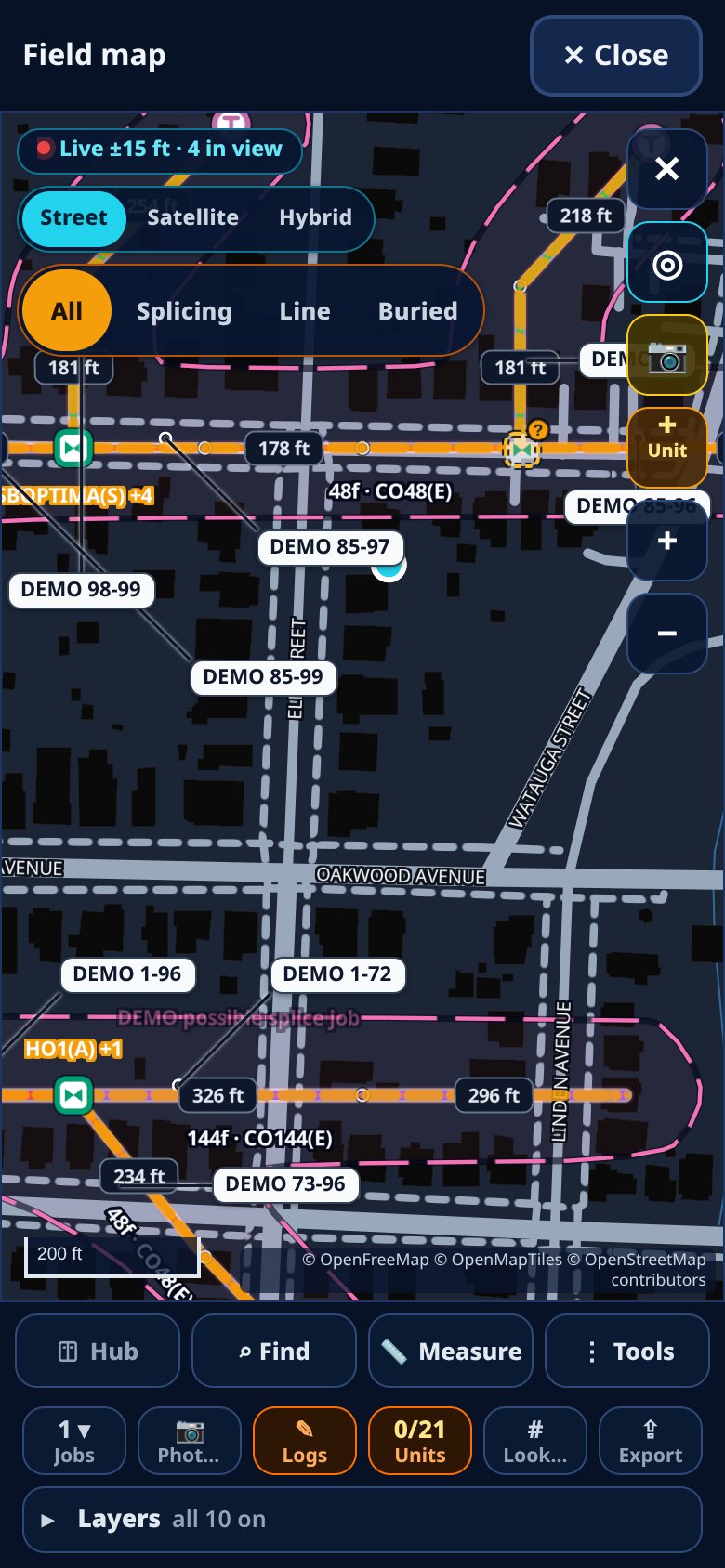
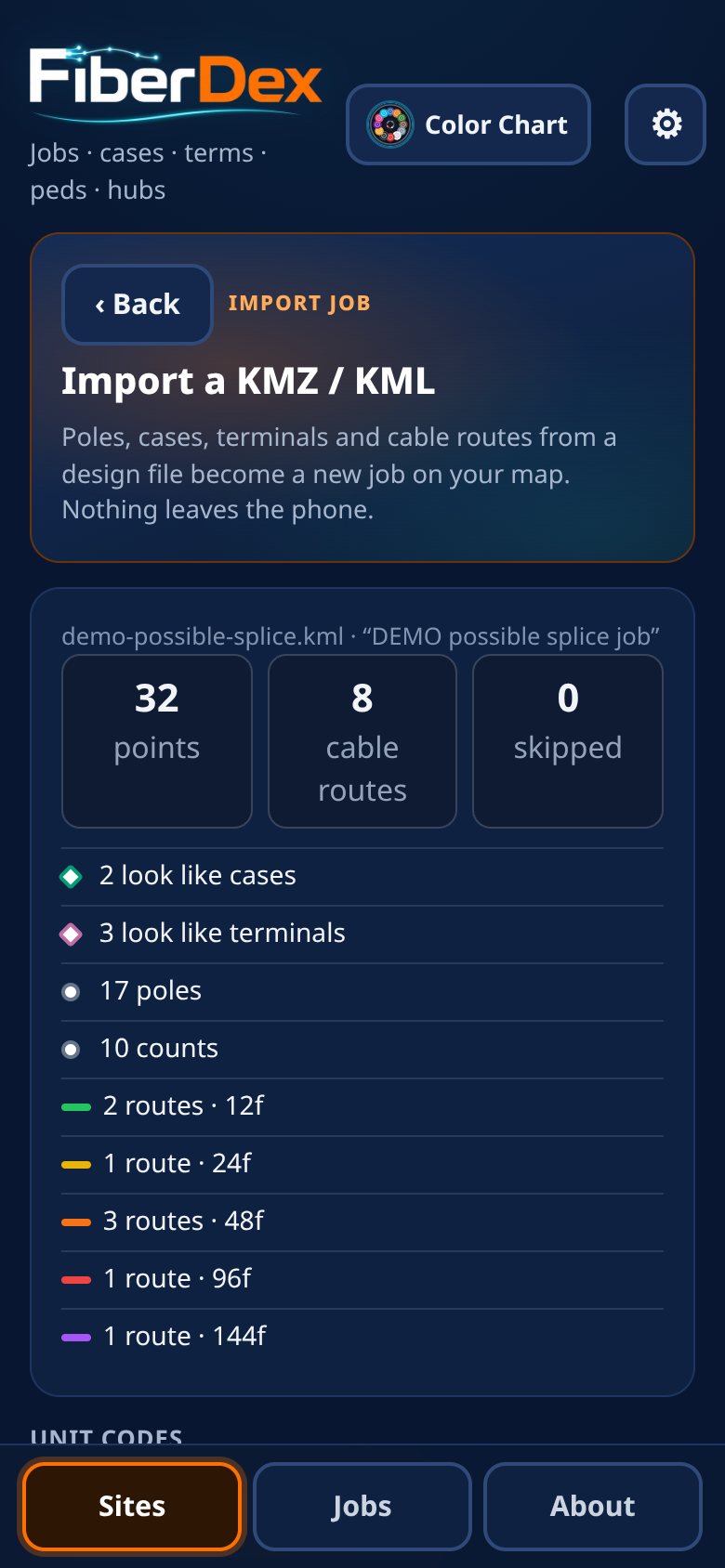
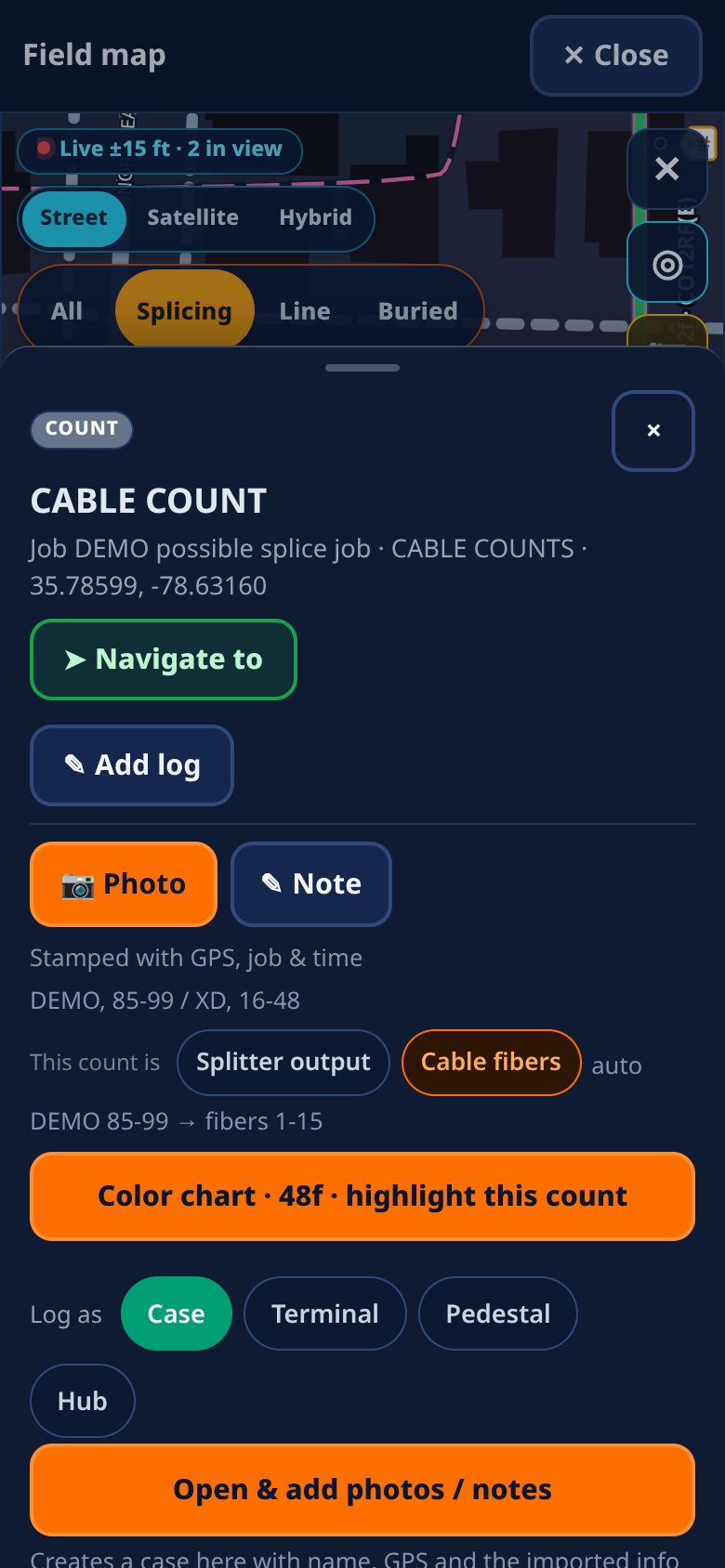
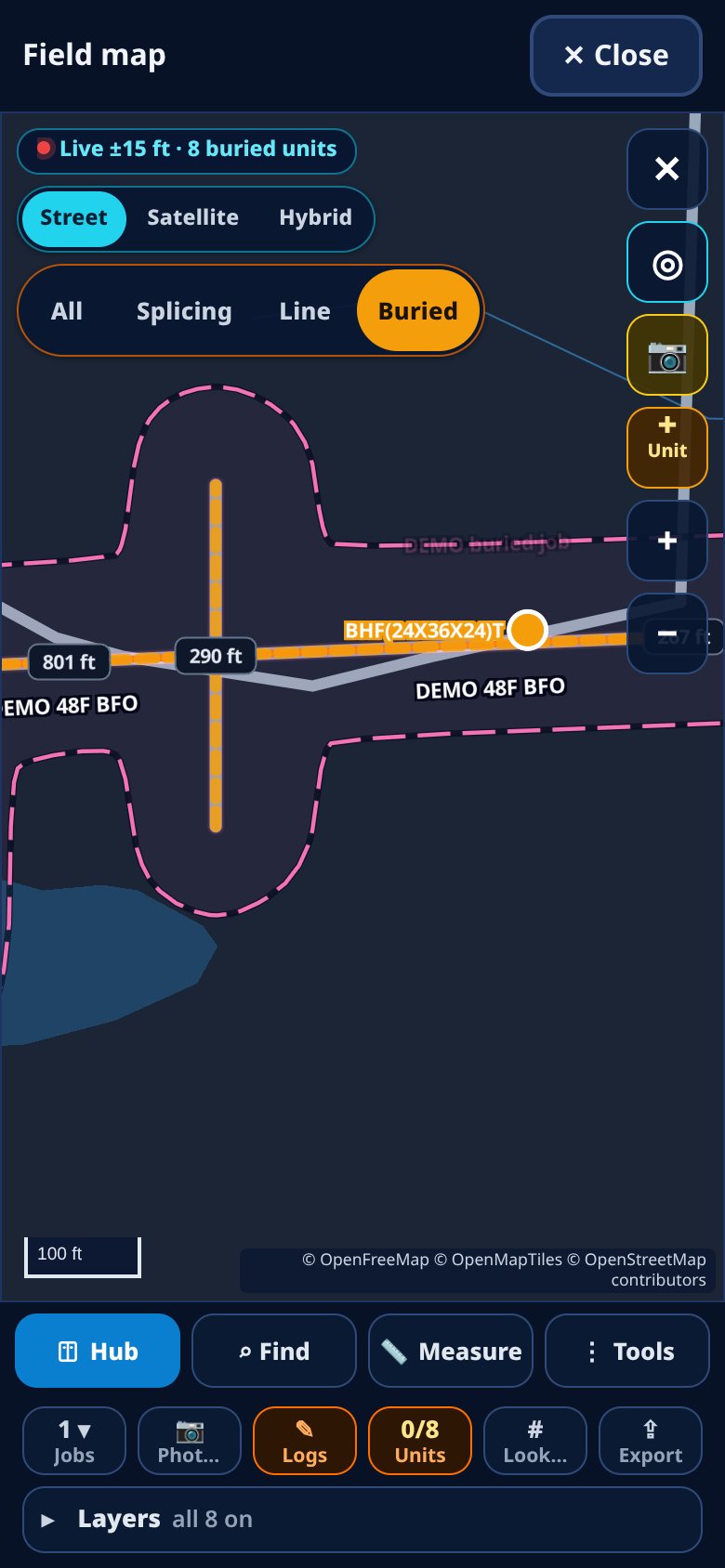
Import the job from KMZ, KML or GeoJSON. FiberDex reads the count labels on the print, like AS:1-12(FAULK:49-60), XD and reverse-feed counts, and cable codes like CO48(E) or BFO144. Tap any cable to see its counts.
Color-coded pins for every site, street or satellite view, and a list of what's near you sorted by distance.
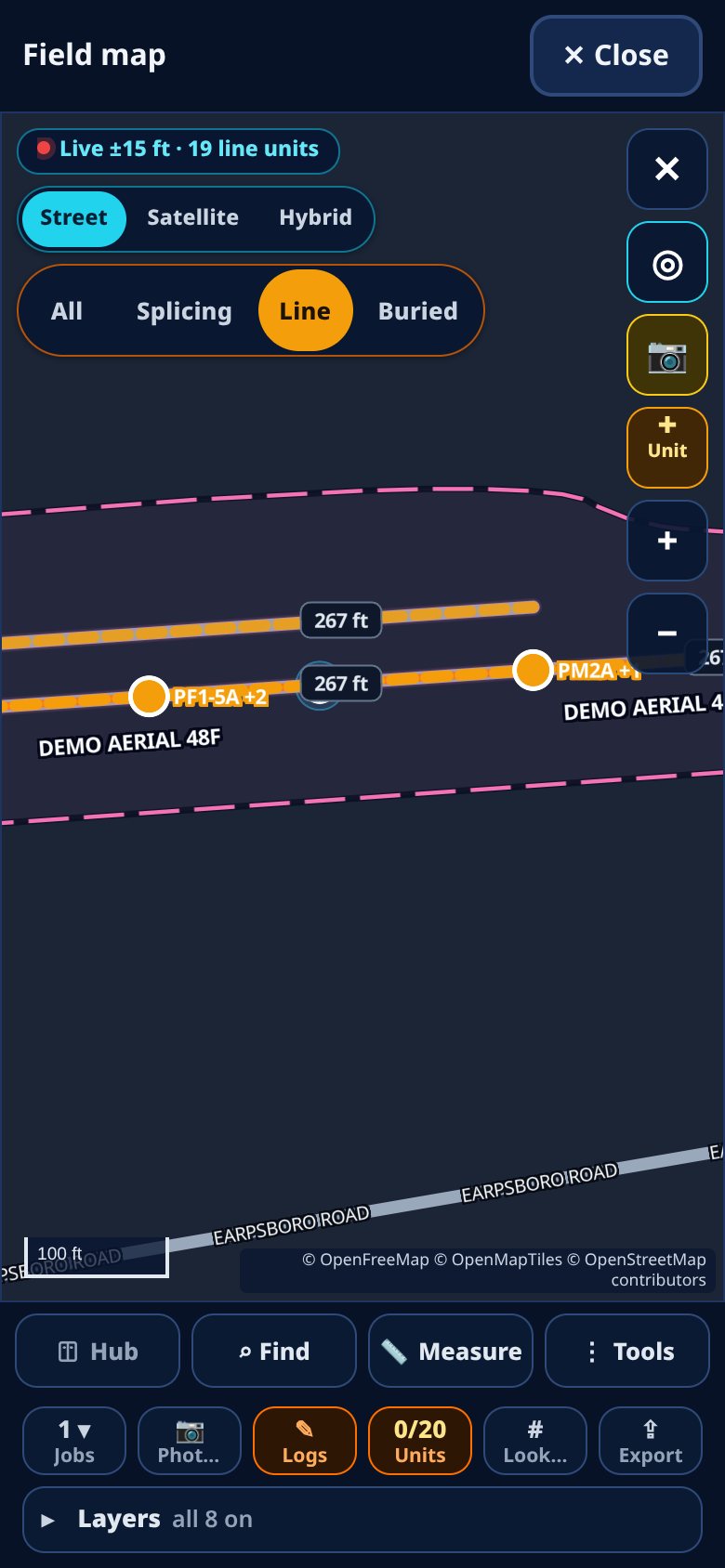
One tap filters the map to your crew's work. Splicing shows sites, cables and counts. Line shows poles and line units. Buried shows bores, handholes, peds and buried runs.
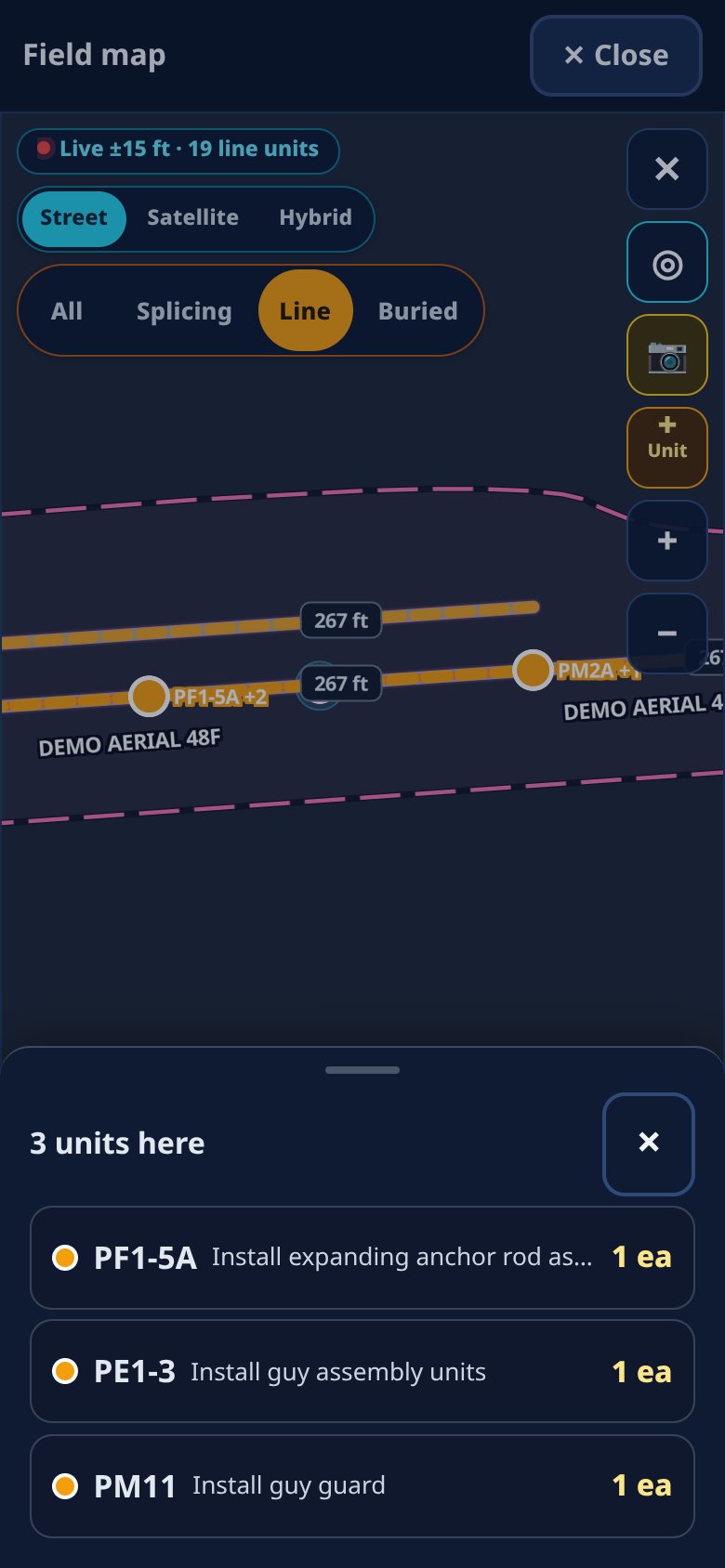
Unit codes in the job file (anchors, guys, strand, tree trimming, transfers and more) show up on the map. Mark them complete or flag an issue, with a photo and quantity, or add units in the field.
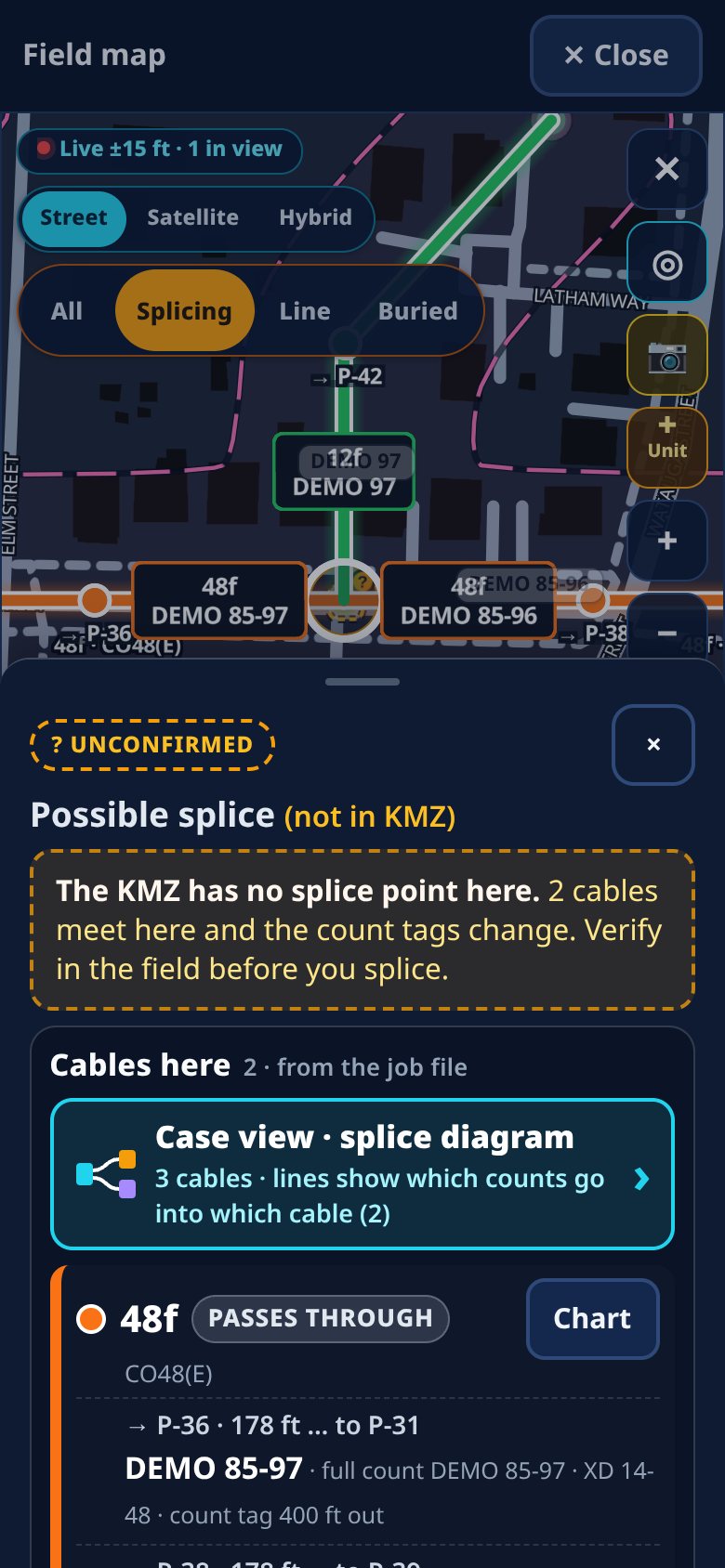
When the count tags say fibers get spliced somewhere but the KMZ has no splice point there, FiberDex puts an "unconfirmed" marker on the map so you can check it in the field. It never creates or changes anything on its own.
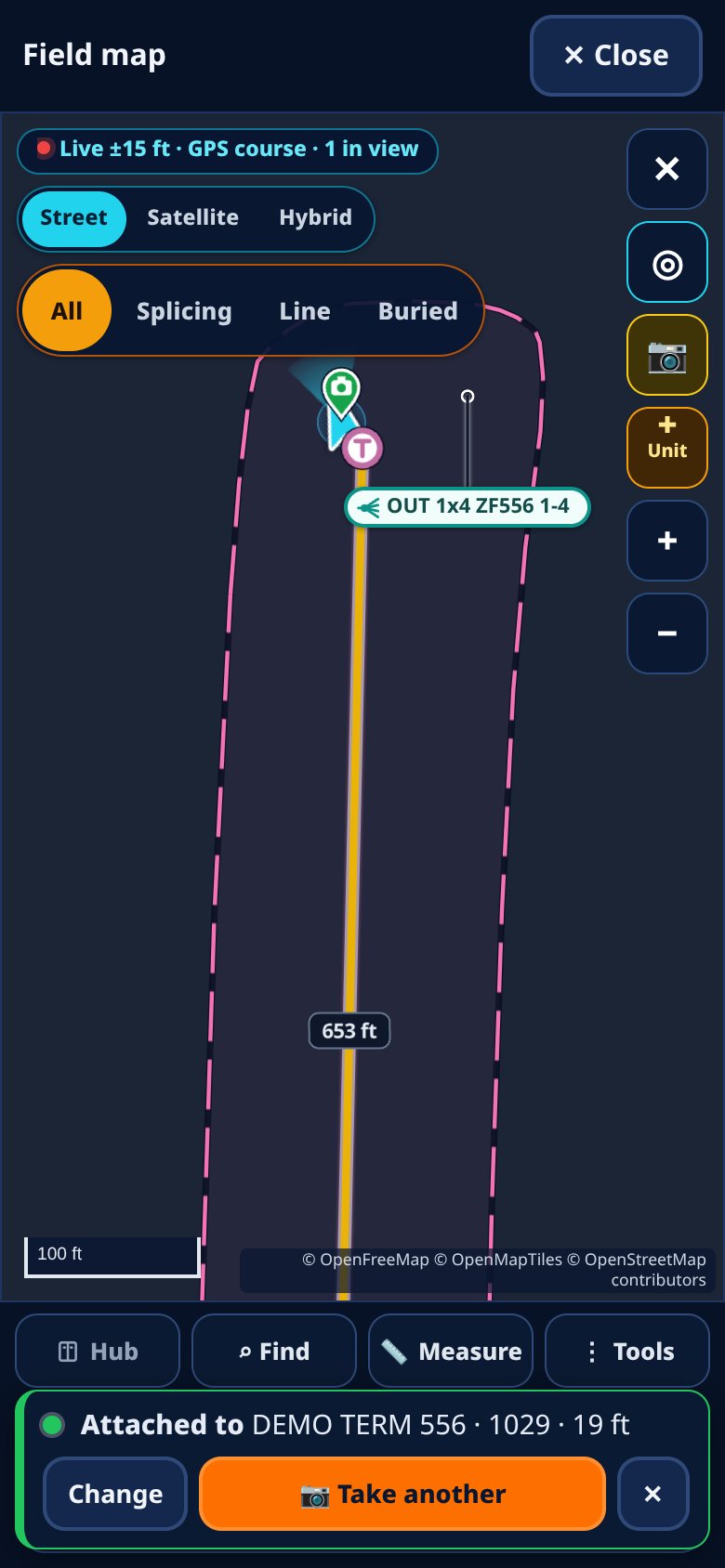
Take a photo on site and it attaches to the nearest site, pole or cable using your GPS. When the GPS is weak it says so and doesn't guess. You can change the tag in one tap.
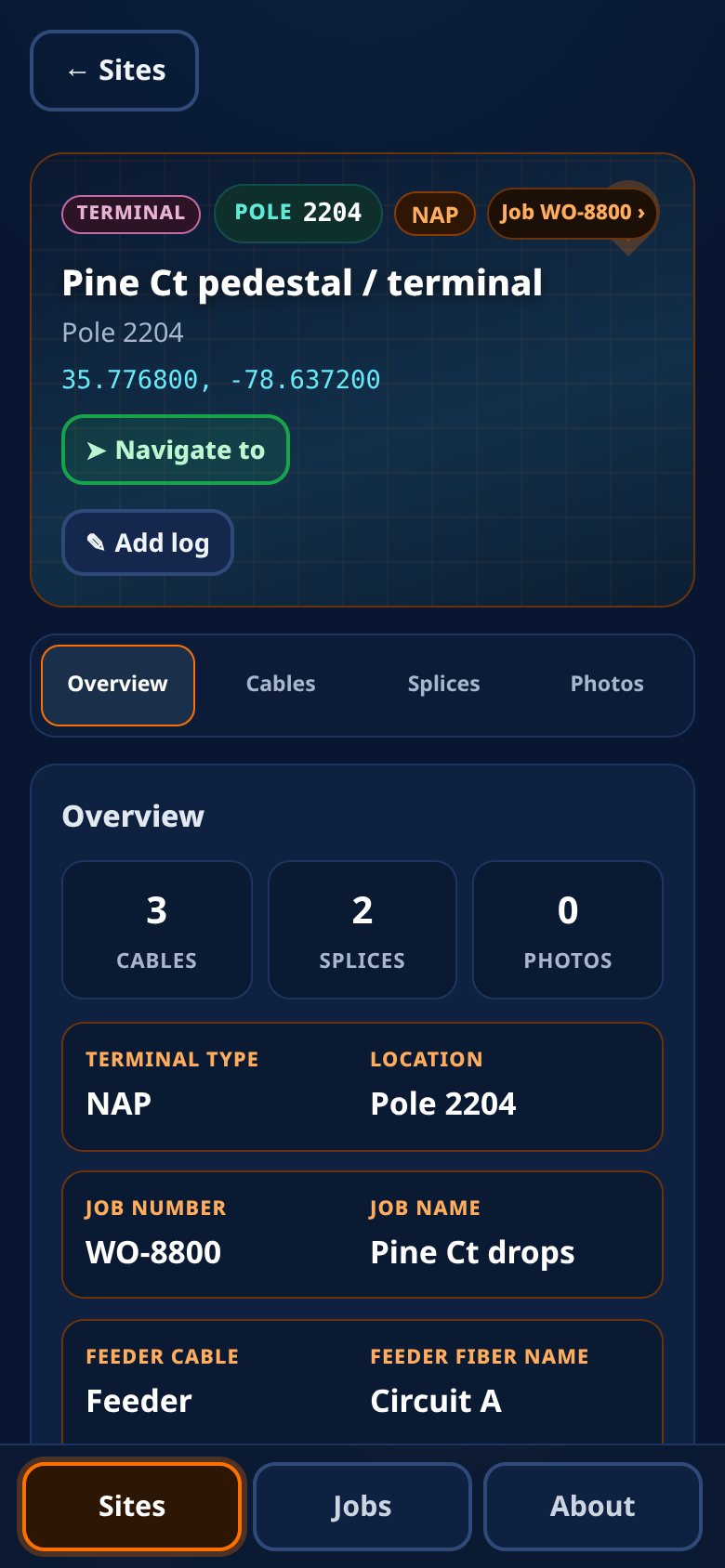
Splice cases (pole, handhole, manhole). Terminals with type, splitter, light loss, feeder cable and fiber. Peds and hubs with splitters, cassettes and cables in and out.
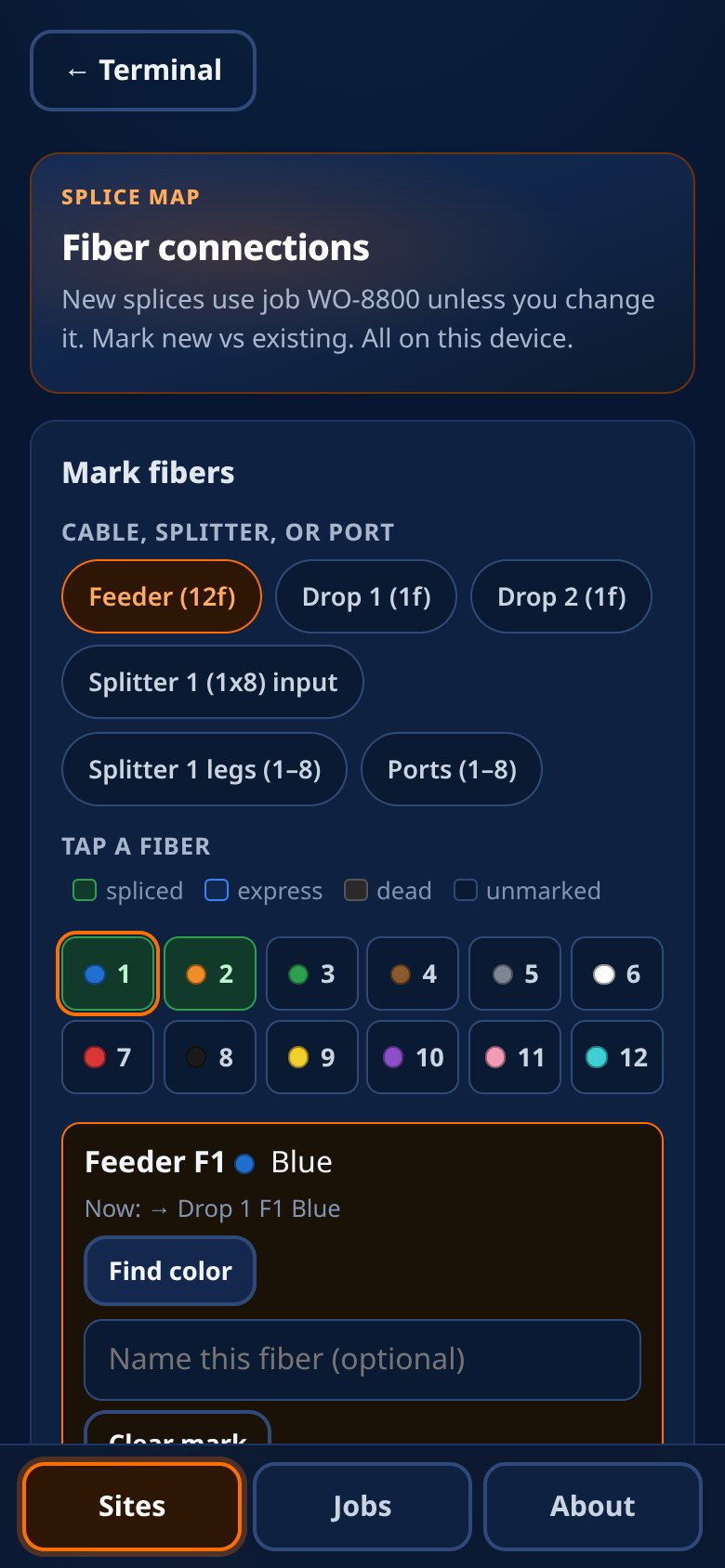
Fiber-to-fiber splice maps with cassettes, splitters, ring cuts and fiber names. Mark fibers spliced, express or XD, new or existing.
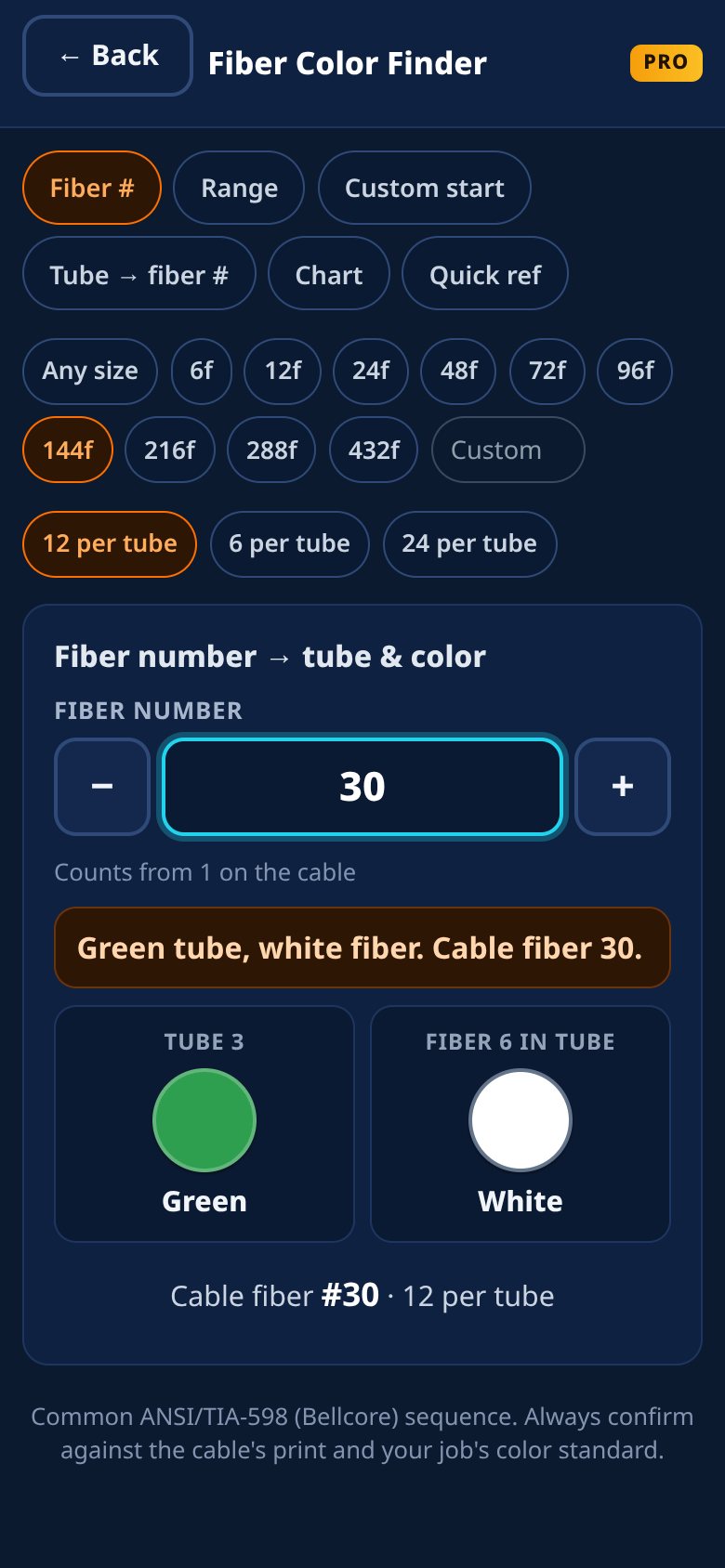
Tube and fiber colors by fiber number, by range, from a custom start, or tube to fiber number, for 6f up to 432f. Included with Pro and company plans.
Site reports to PDF with photos, Excel workbooks for sites and jobs, and job exports to KMZ for Google Earth or a PDF snapshot. Send them with your phone's share sheet.
Set an active job and new sites fill it in automatically. Each job keeps its sites, units, logs and photos together.
The personal app needs no account and no signal. Your data stays on your phone and is backed up automatically to your phone's storage, free for everyone.
A web office dashboard at app.fiberdex.app links your field techs' FiberDex apps and syncs their splice cases, terminals, peds, hubs, units and photos into one shared view per job. Your company owns all the data your techs log for it.
Try the demoSample data, no sign-up. Runs in your browser.
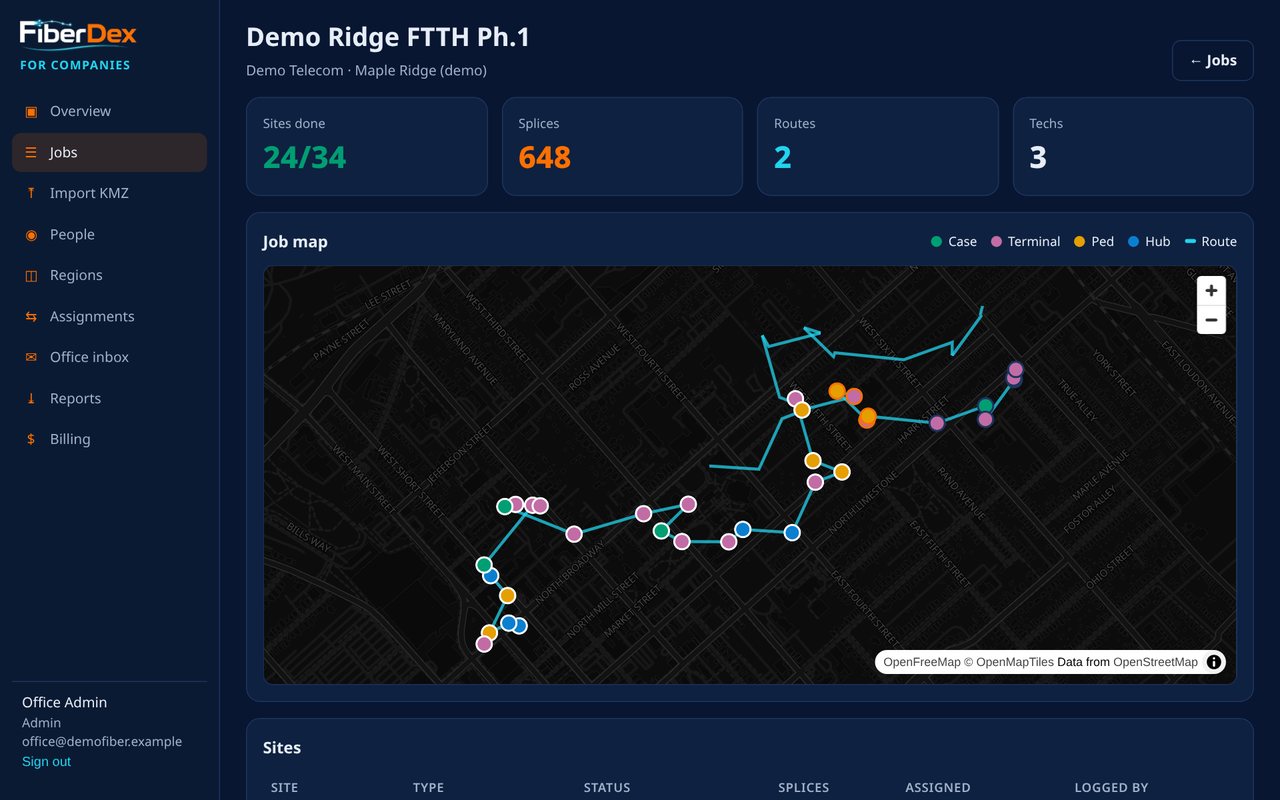
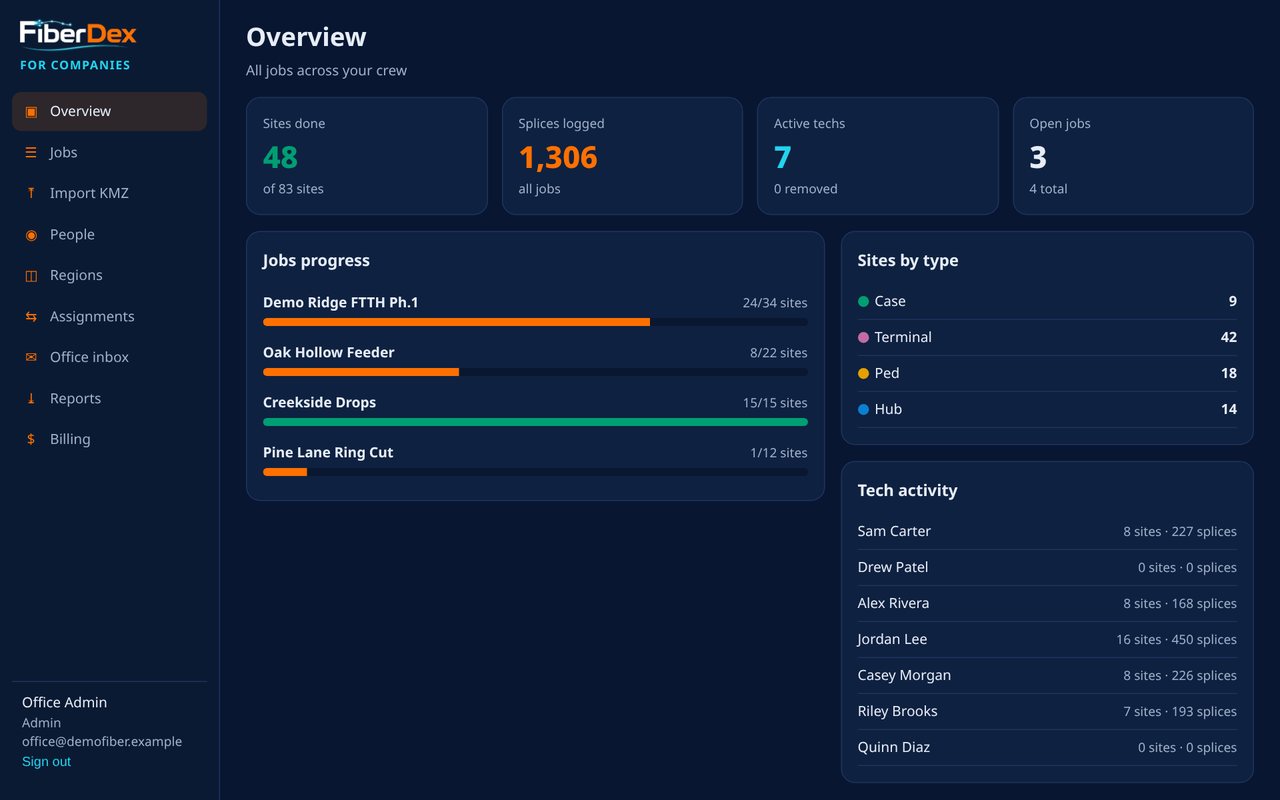
Upload the job KMZ from the office. Every case, terminal, ped and hub your crew logs shows up on one color-coded map, with sites done and splices logged.
Assign jobs and sites to techs, and techs get them on their phones on the next sync.
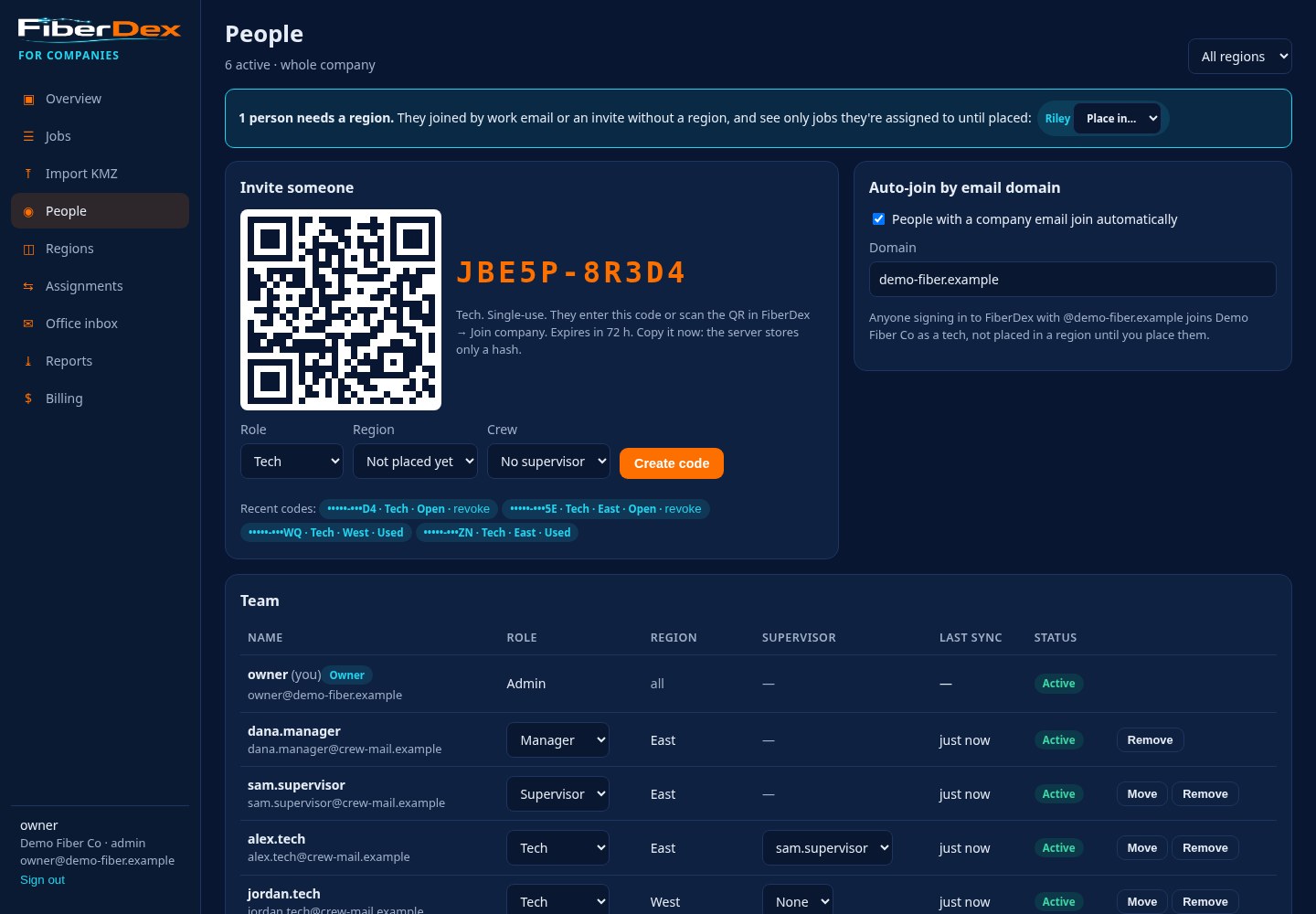
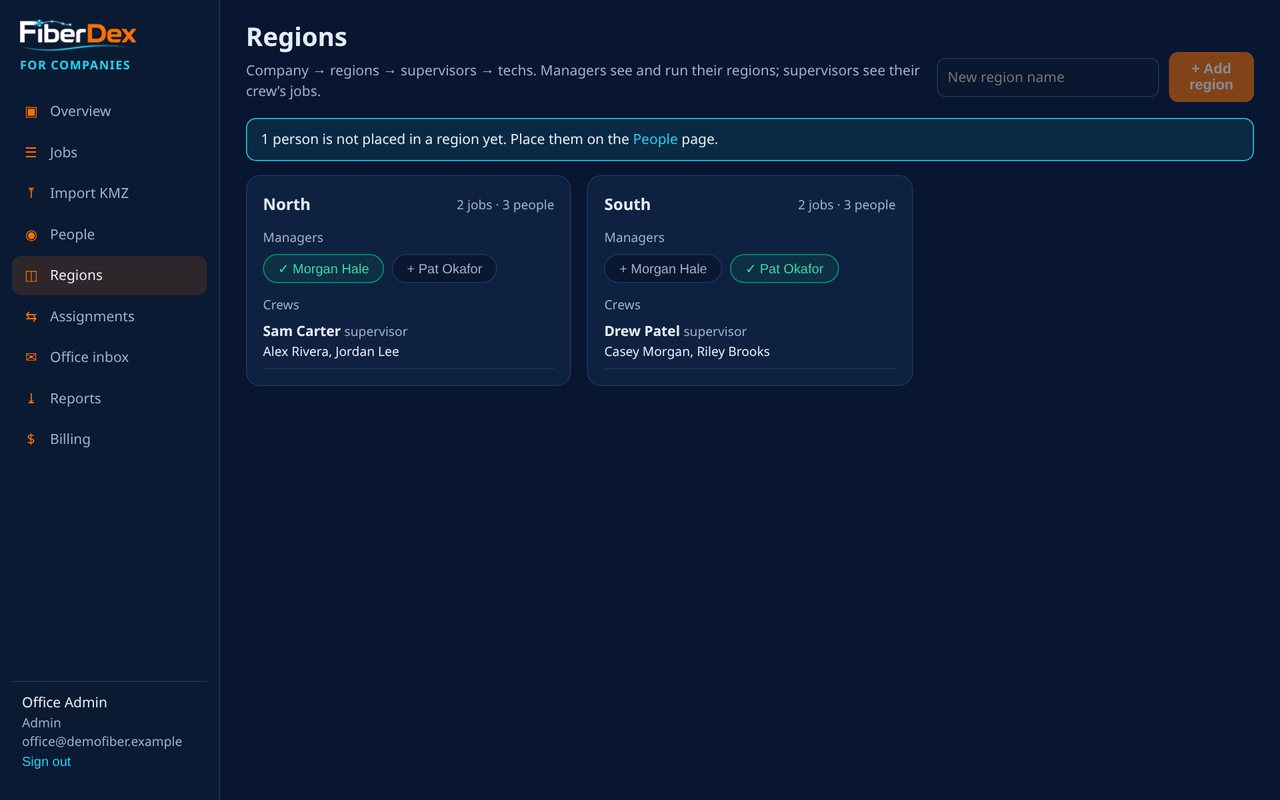
Admins, managers, supervisors and techs. Managers run their region, supervisors see their crew's jobs, techs see what they're assigned.
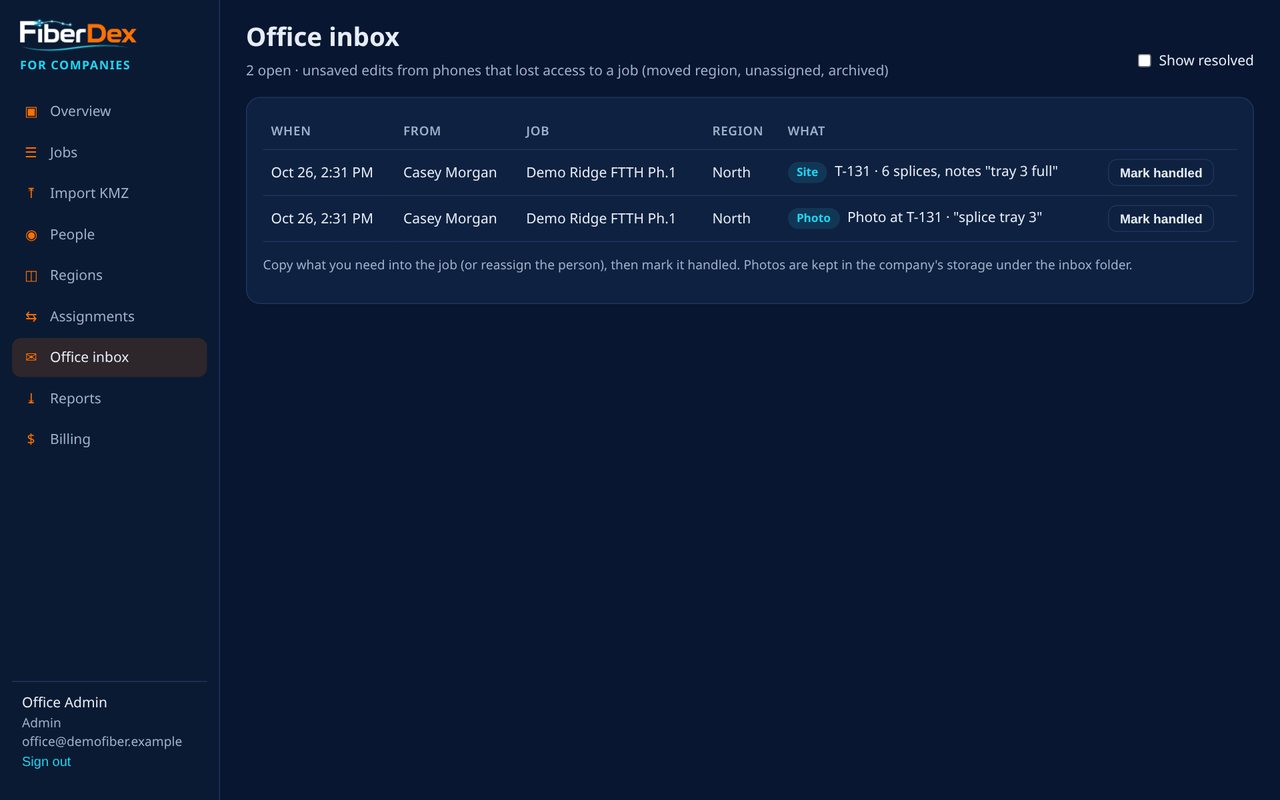
If a tech is moved or taken off a job before syncing, their unsaved edits and photos land in the office inbox instead of being lost.
Techs sign in with a code sent to their email, no password. They join with a single-use invite code or QR, or automatically with your company email domain.
Remove someone and their access ends. Your company's jobs come off their phone on the next sync. Their personal jobs stay theirs.
FiberDex for Companies isn't publicly launched yet. Right now it's available to pilot companies, and pilots get the first 2 months free. After that it's $15 per tech per month with a $49/month minimum.
Tell us your company name, about how many techs you have, and the kind of work you do (splicing, line, buried). We'll get back to you.
Open the job KMZ. The cables, counts, poles and units land on your map as a new job.
Add the case, terminal, ped or hub, then the splices, photos and GPS location.
See your work on the live map, then export it and share it when the job's done.
All screenshots use demo data.
$0
$15 once
$15 per tech / month
No subscription for solo techs. Pay once for Pro. Nothing you've logged is ever locked.
FiberDex is built by Trevor Blankenship, a working fiber optic splicer in Kentucky. He made it because splicers, linemen and buried crews need a fast, dependable way to keep track of their work out on the job, and it's designed around how field crews actually work.
Yes. The personal app runs on your device, so you can log sites with no signal. Map tiles need a signal unless you've saved the area for offline use.
On the personal app, your data stays on your phone. There's no account and no tracking. It leaves the phone only when you export and share a file yourself. If you join a company, that company's jobs sync to its account. See the privacy policy.
Logging, splice maps, KMZ import, map filters, units, photo tagging and automatic backups are free. Pro ($15 once) adds unlimited jobs and sites, the Fiber Color Finder, PDF and Excel reports, KMZ and PDF job exports, and the job filter.
Android first, iPhone after that.
Yes. FiberDex for Companies adds a web office dashboard at app.fiberdex.app. It isn't publicly launched yet. It's available to pilot companies, with the first 2 months free, then $15 per tech per month with a $49/month minimum. You can try the demo with sample data.
The company does. Everything a tech logs for the company's jobs is company data. Removing a tech ends their access, and the company's jobs come off their phone on the next sync. Their personal jobs stay on their phone.
FiberDex is coming soon to Google Play, and to the App Store after that. Companies can ask about a pilot now.
Questions? Email support@fiberdex.app or call or text (859) 379-9589.